Latest Jam

  • Bootstrap and WordPress

    Bootstrap and WordPress

    I’m going to see how easily I can re-do the WordPress gingerjam theme with Twitter’s Bootstrap. Hopefully I’ll end up with clean, consistent code that, if it fails, can be blamed on those lovely twitter people.

    Step one

    I make a copy of the theme directory, rename it gingerbootstrap and strip out anything I don’t need. In this case I’m going back to basics so I get rid of anything other than the index and functions.php as well as a style.css which for the moment is empty other than the base information wordpress requires to know that a theme is present. I copy over the bootstrap files in their directories and end up with the following at the top level of my theme.

    • index.php
    • style.css
    • img
    • js
    • css
    • fonts

    It’s easier, I think, to start with a fresh slate, so I’ve stripped out most of the HTML from my index page.

    Here’s my unstyled HTML output.
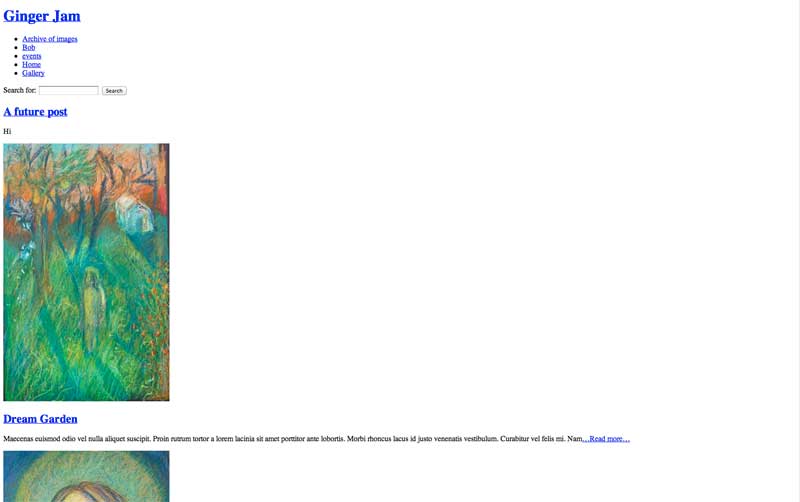
    unstyled html

    Getting stylish with Bootstrap

    I’ve made an import statement in my style.css to load the minified bootstrap.css. This effectively replaces a reset.css that I used to load but it does a whole lot more.

    Voila. It already looks better!
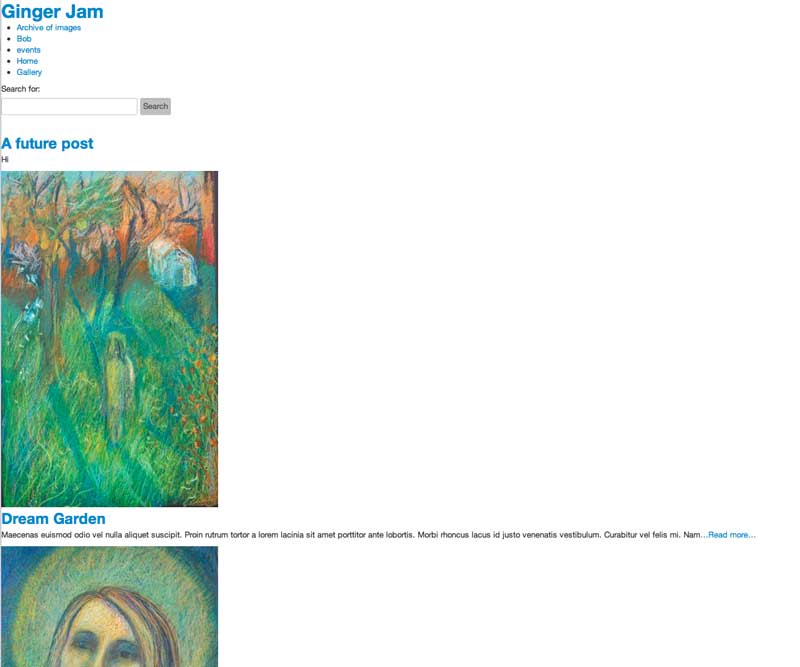
    bootstrapped html

    One of the best things about bootstrap is its responsive design. It will still collapse into a single column when the viewport is small enough (eg when viewed on a mobile device). Since I’m going to do this refit from top to bottom let’s take a look at the navigation bar. If you go to the bootstrap site and narrow your window you’ll see the navigation bar shrink to a single button. That’s pretty cool. I want it.

    Here’s the bootstrap code for their nav bar:

    [cc lang=’php’ ]

    [/cc]

    So if I swap line 9 to include the wordpress url and name..
    [cc lang=’php’ ]

[/cc]

wp_list_pages automatically provides the li tags needed for the list.
All I need do now is import jquery and bootstrap.min.js and here’s my nav bar in its collapsed state – ta-dah!

collapsed nav bar

Next time…

Replacing my side-scrolling post list with Bootstrap’s carousel… stay tuned.
  • Bootstrap

    Bootstrap

    Increasingly, as a web-designer/coder, I’ve been feeling the need for some sort of boilerplate, grid system or starting point. There are plenty of them about and I’ve been dithering for a while, but now, perhaps, I’ve found just the thing with Twitter’s Bootstrap.

    I have used the 1k grid, which is excellent. As the name suggests, the code weighs in around 1kb so it’s a very light addition to your page. 1k grid‘s homepage invites you to set up your own columns and margins and it is really easy and flexible to implement.

    But just having a css scaffold isn’t enough. Wouldn’t it be great if every web page I designed had the capability for all the stuff that clients imagine are now standard, as standard? To this end I’ve been testing Twitter’s Bootstrap. At it’s base boostrap provides a css grid and typographic reset that lets you quickly build a page that looks great with very little effort. This, you might think, is how a webpage with no style should look. It’s a great start to a project.

    The addition of fluid and responsive CSS promises sites that will adapt to all manner of screen sizes and devices. That’s pretty cool – code once for most devices. I like that a lot.

    Bootstrap has a host of javascript plugins, based on jQuery (which I’m using anyway), that provides most of the things that a client might expect are now de-facto web components. Now, I’ve done carousels and tooltips and modals… and each one has come from a different source and been coded in its own way. Some are mixtures of different sources and bits I’ve added and it all feels a bit messy. I like the idea that I can plug in bootstrap and have a whole bunch of stuff just work with a similar and documented mark-up. I’m a designer who codes, goddammit, not the other way round..

    In development…

    Bootstrap is a live project and in the couple of weeks I’ve been using it, it has changed… I was searching for a way to get the carousel to automatically loop, only to find that enough people had requested that and >ping< it had been implemented. Excellent.

    I was showing a colleague how great the responsive grid was and stuck some images in to show them scaling. Surprisingly that feature had been removed. It’s easy enough to add in my own CSS and I believe it’s going to resurface in a future release. But I looked a bit of a chump at the time.

    Bootstrap and ready to go!

    Well, I like it and I think I’ll have a bash at making a site with bootstrap, maybe re-doing the gingerjam template with it, and seeing how that goes.

  • Alyson’s a cheeky sew and sew

    Alyson’s a cheeky sew and sew

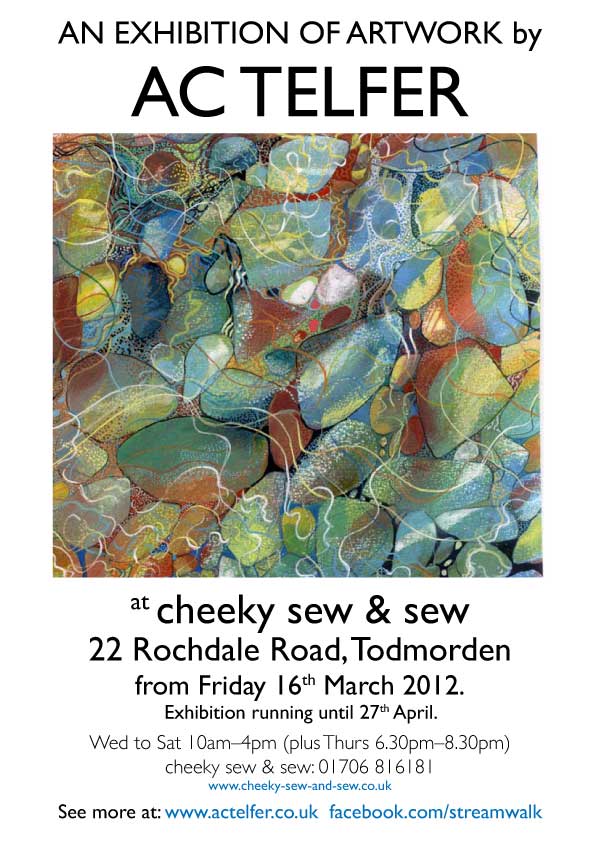
    AC Telfer’s art exhibition is on now at cheeky sew and sew‘s in Todmorden. It’s a fantastic show (around 20 pieces) in a perfect venue running until the 27th April. Cheeky sew and sew’s is a sewing cafe and they also run craft courses. AC Telfer’s artwork speaks for itself at the following gingerjam-designed website: www.actelfer.co.uk

  • Duck!

    Duck!

    Design for a backdrop used at the Artists’ Hangout. The backdrop appears behind performers/musicians at the monthly hangouts.

    artistsBackdrop

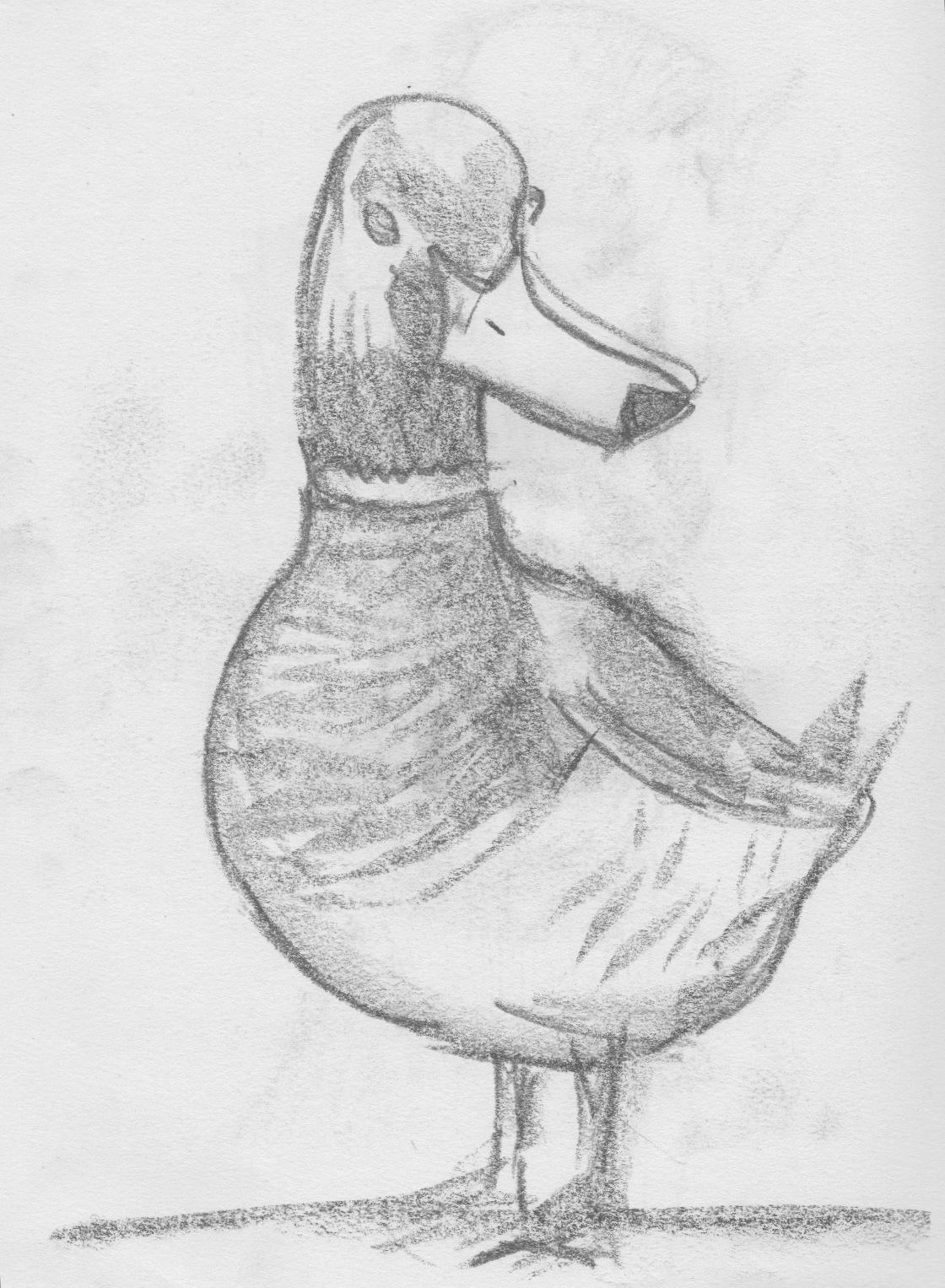
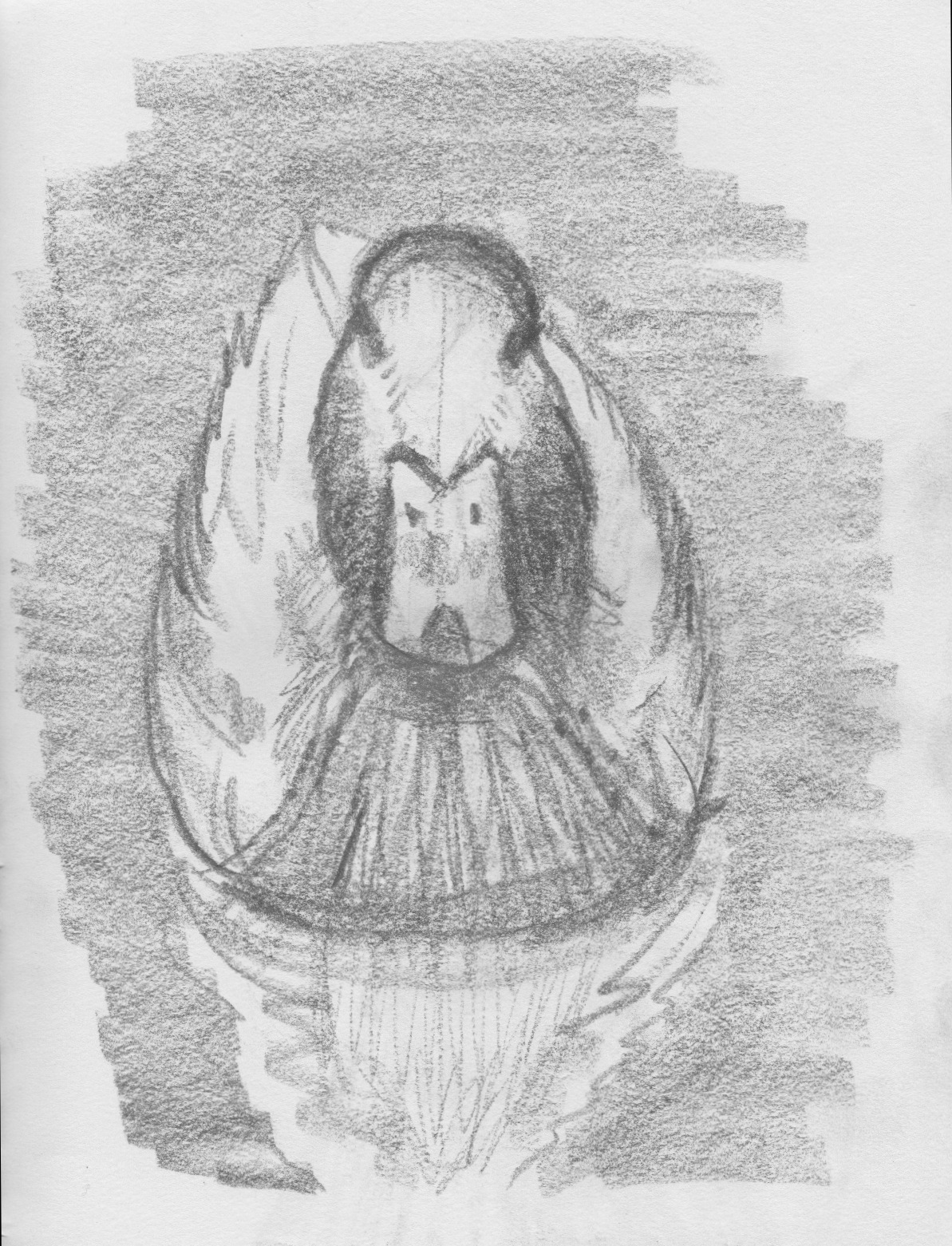
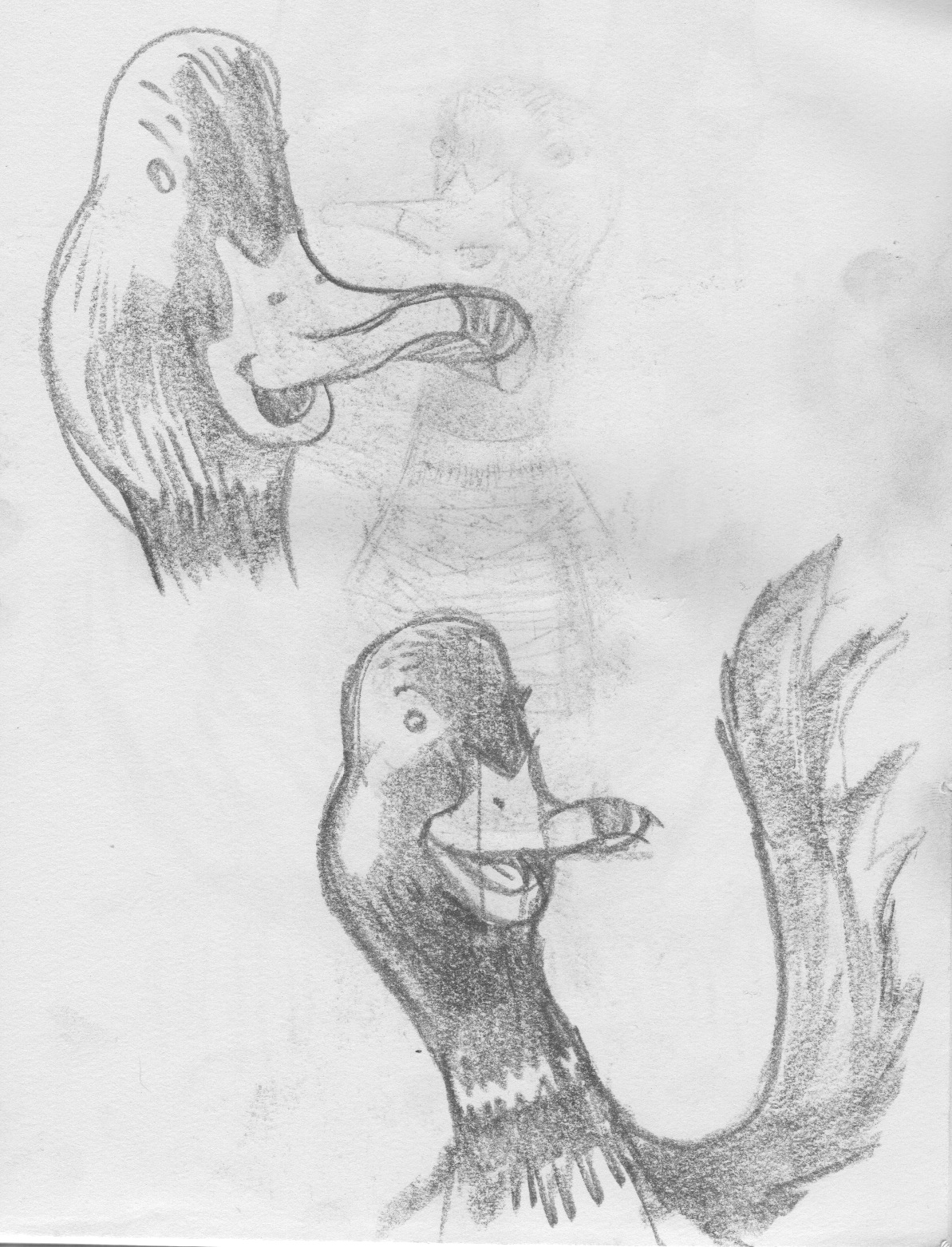
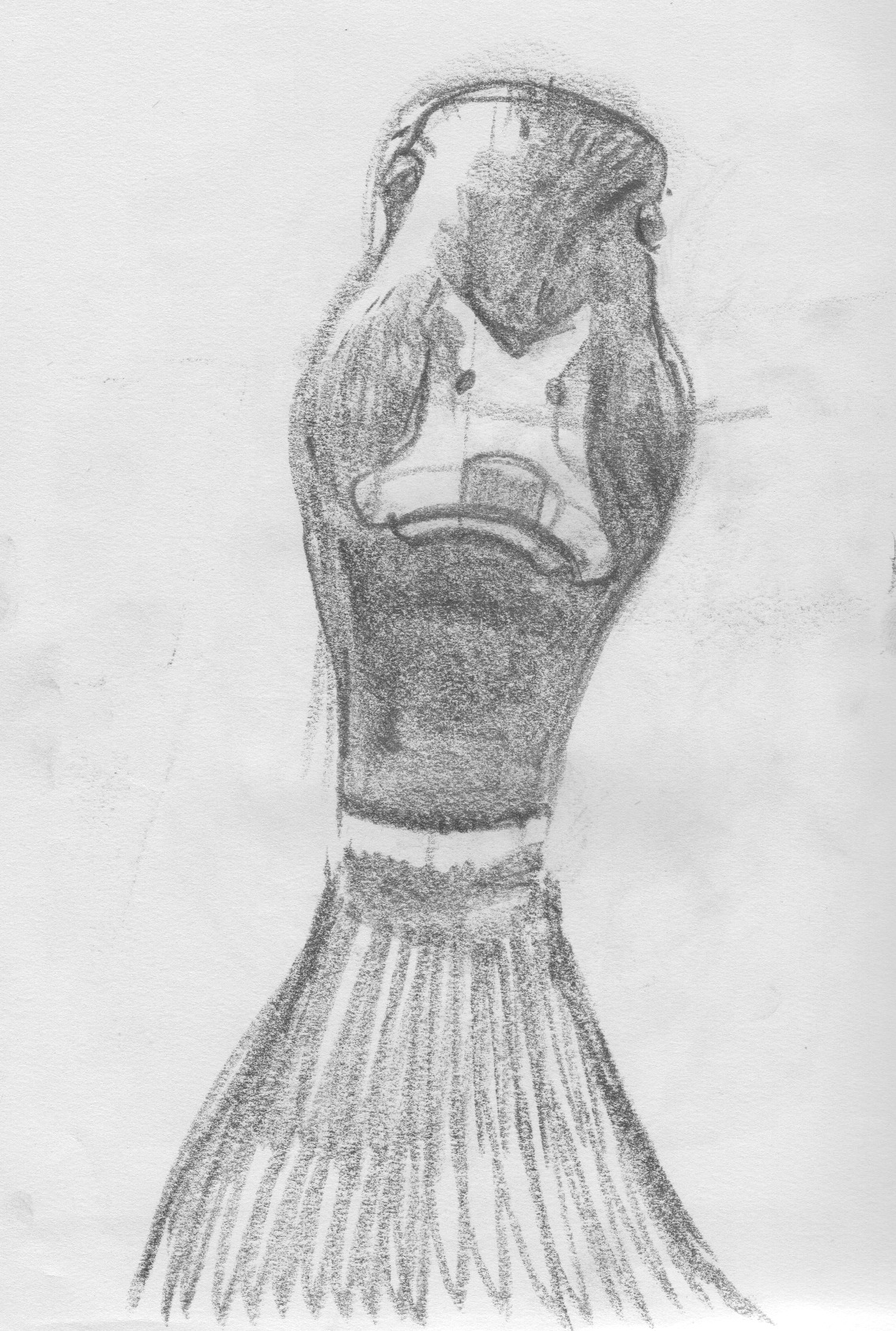
    Why the duck? Well why not… The hangout features artists from all and any disciplines, so something a little surreal (and more importantly non-specific to any art form) was the only way to go. Besides, hangout founder Ian Longstaff was rather fond of the decoy duck that this illustration is based on, a photograph of which was already used as publicity for the events.

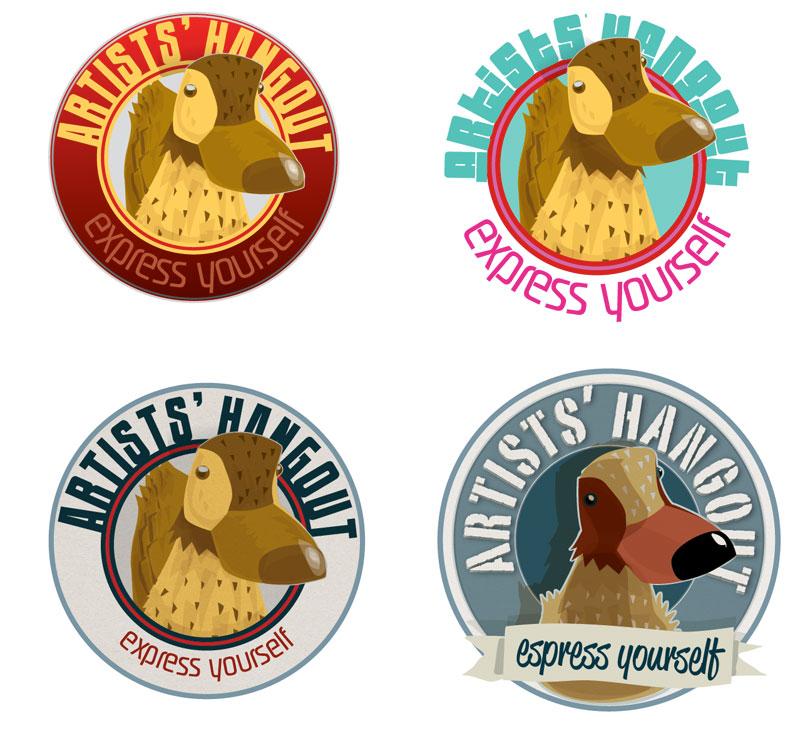
    Here’s some of the early sketches and logo designs that didn’t make it.